
“Why Isn’t Your So-Called Smart Doorbell Anything More Than a Ringing Device?”
You invested in a smart doorbell for safety and convenience in your household. But if you use your smart device just to view who’s at your front door and click on the application now and then, then chances are, you’re not even utilizing about 70% of its functions.
In this blog post, we’ll talk about the underutilized features of the smart doorbell that the majority of homeowners in the U.S. tend to ignore and how to finally start using them.
Always‑On Security You’re Not Using
Most smart doorbells capture video whenever the bell rings, but few Americans ever enable motion-sensing recording or specific activity zones.
Activity zones allow you to monitor your walkway, your driveway, or perhaps your side door entrance. You can eliminate the unnecessary notifications of motion caused by passing cars on the road.
Pro move:
- Open up the app for your smart doorbell.
- Navigate to “Motion Settings,” and draw a little box around your entry ways.
- Enable “activity zones” to limit motion detection to areas that matter.
Two‑Way Talk? Save It for the Wrong Guy
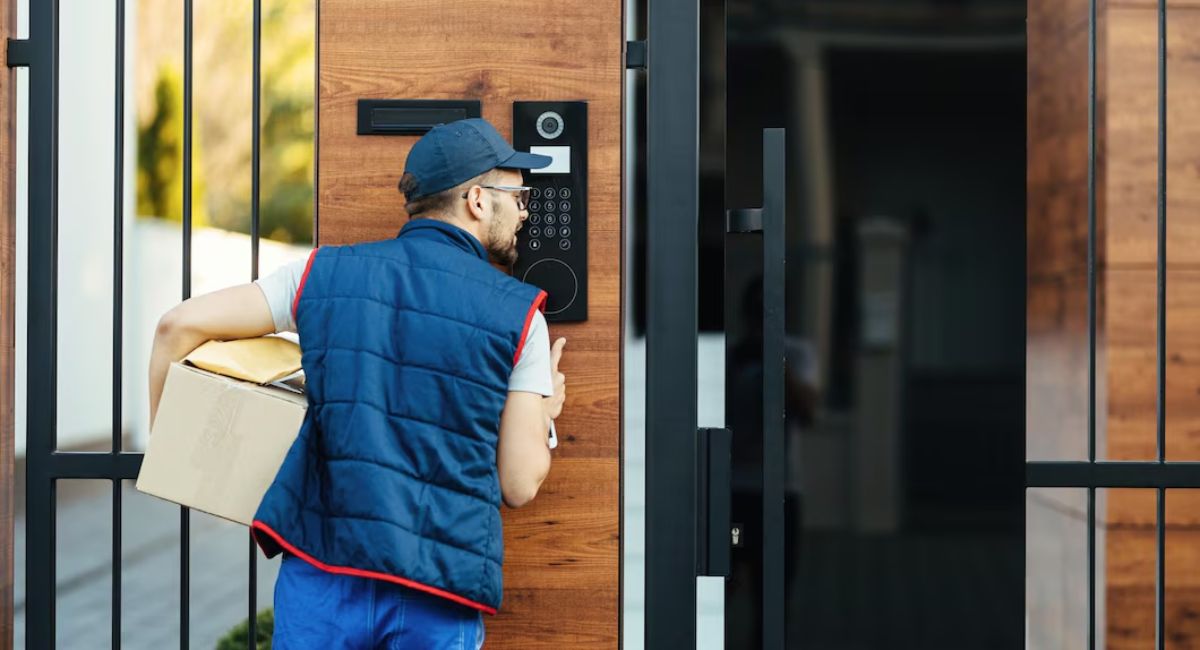
Smart doorbells enable you to converse with whoever is knocking at the door from your phone no matter where you are. Although people use this to chat amicably with their delivery men, they often overlook how they can check whether any visitor is rude or menacing.
- If you come across anyone behaving strangely, you could use the speaker system to threaten him that “I have called the police” and watch him retreat.
- If it is a hard-selling salesman, you could turn him away nicely and never open the door.
In effect, it has made your doorstep a safety zone.
Scheduled Modes for Work, Sleep, and Movie Night
Almost all the apps offer options to make schedules and modes like Home, Away, Sleep, or Do Not Disturb. But very few actually set them up because their bell rings every time their neighbors step out for a walk or their dog heads out.
Try this out instead:
- Sleep mode: No sound, only notifications sent to your phone.
- Away mode: Motion sensing enabled and notifications sent to your partner’s phone as well.
- Work from home mode: No dings but phone alerts so that your Zoom calls don’t get disturbed.
Once you do this, your doorbell will seem to “understand” your needs rather than interfere with them.
Sharing Access (Without Sharing Your Phone)
It turns out that many people who buy and install a smart doorbell do not include other people such as friends, housemates, or trusted neighbors in their usage. That is, no matter who is at home, you are the only one who knows who came to your door.
Most companies allow you to add other people to use it by doing a couple of taps:
- Your partner can watch the entrance while you exercise.
- Teenagers can check who visited while they are in school.
- Neighbors can watch your property while you are away on holiday.
You don’t need to share all information about yourself; you just have to let another person know who visited.
Doorbell + Smart Lock = Super‑Convenient Access
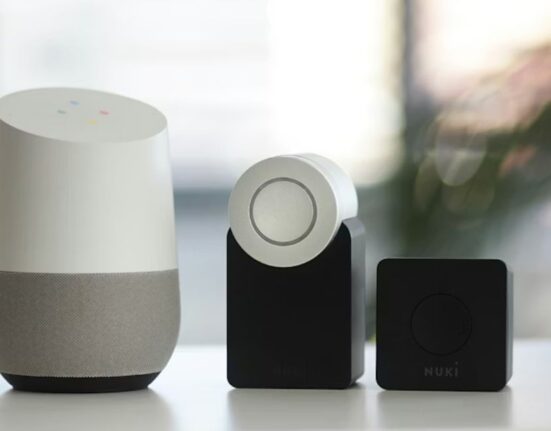
With a combination of the smart doorbell and smart lock, you would be able to not only know who was at the door but unlock it remotely with your smartphone. For some reason, most folks don’t set this system up, or feel that it is too complex.
However, consider these real-world uses of this simple combination:
- Allow access to a pet sitter, dog walker, or cleaners without having to hide a spare key underneath the doormat.
- Give temporary access to a friend making deliveries to the home.
- Unlock the door for a delivery person right before leaving so that you can retrieve your package immediately.
This setup transforms your front door from a closed box to a remote-controlled access point.
Saving and Sharing Footage the Right Way
In most cases, you can store your clips in the cloud or on an SD card, and also share the footage with relatives or the police. However, people usually review their video recording only one time and then do not bother until they are required to provide evidence.
To benefit from your video recording, you should:
- Store the suspicious clip as an “Exported Video.”
- Learn which is the preferred way to deliver footage by your local police department (email, portal, app export).
- Once something happens, upload the footage right away, matching it with other residents’ complaints.
Your doorbell will become an active security tool, not just another gadget!
Final Thought: Your Doorbell Is a Team Player
A properly used smart doorbell is not just another tech gadget hanging above your entrance; it’s something that understands your schedule, talks for you, and watches over your property while you get busy living your life. The things that nobody thinks of using are those that will make your life much safer, easier, and more comfortable.
By taking just one action suggested in this article – enabling motion-triggered recordings and setting up specific areas to monitor – your doorbell will instantly become completely different.
FAQs
1. Do I need a subscription for my smart doorbell?
You don’t always need one because doorbells usually operate without it. However, you will only have access to minimal cloud storage and fewer advanced capabilities. In case you need person and package detection and long-term clip retention, a subscription is necessary.
2. Does the doorbell operate at night?
Yes, it does. Thanks to infrared cameras and night vision technologies, you will not experience any trouble when it comes to viewing what happens outside of your home after dark.
3. Is my doorbell secure from cyber attacks?
Unfortunately, no piece of electronic equipment cannot be 100% secure from cyber-attacks. However, you can increase security measures by creating a solid password and enabling two-factor authentication, updating Wi-Fi, and using a special application. You should never reuse passwords for several applications.
4. Will the smart doorbell work with my current doorbell chime?
Modern doorbells are typically designed to cooperate with already existing wired chime units. Even some devices can allow you to hear your previous doorbell sound while also being alerted about incoming people via a mobile device.
5. How can I correct a doorbell issue where I get false alerts?
It is because the motion zones that are created are either too big or close to places such as streets and trees. You can simply open the application, adjust the motion zones and delay the alerts for some time, say five to ten seconds.