




Have you ever been overwhelmed by the feeling that your house is in control of you rather than vice versa?
You have lights randomly turning on late into the night, temperature controllers struggling against natural elements, and camera systems requiring you to be on the phone all the time. All of that is about to change with the introduction of smart displays.
The following is a detailed discussion of the best smart displays, how they compare to each other, and how you can select the one best suited for you.
Why Smart Displays Rule Home Control
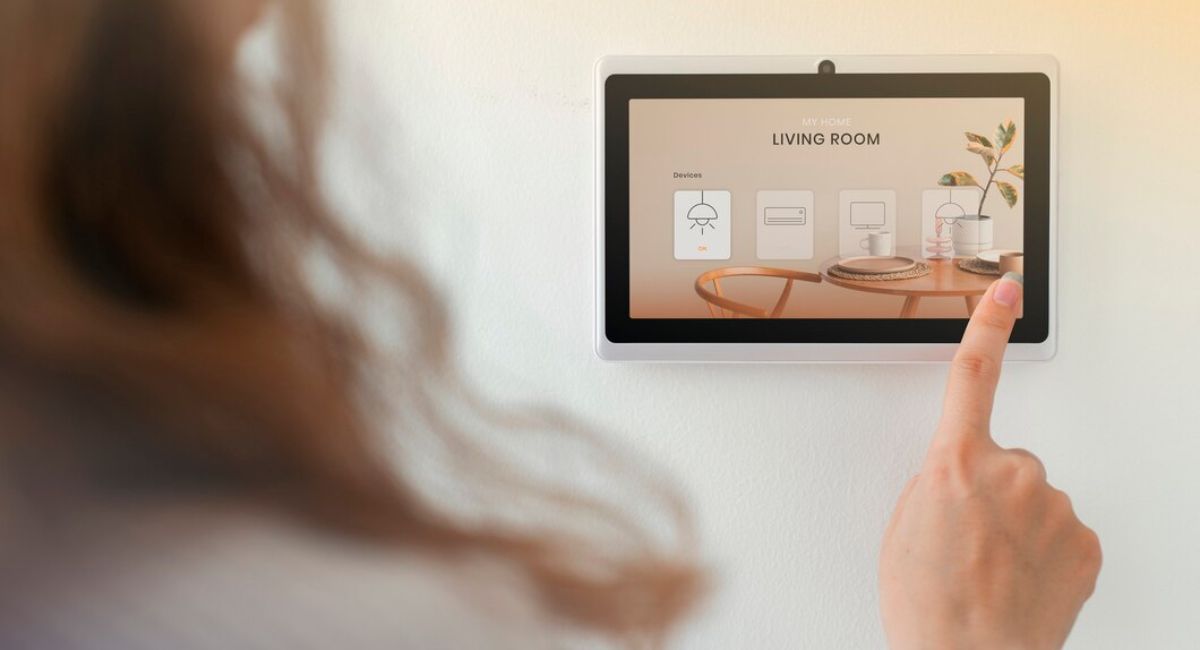
Smart displays combine voice assistants, touch screens, and hubs all in one stylish gadget. These devices can turn on/off lights, locks, thermostat settings, and cameras with just one tap or instruction without having to switch applications.
Install one in your kitchen or hallway, and soon enough, commands like “Alexa, lock the doors” or “Hey Google, turn down the lights” will seem enchanting.
Top Pick: Amazon Echo Show 8 (4th Gen)
- This device boasts an 8-inch HD display, good cameras for making video calls, and perfect Alexa functionality.
- With this device, it can automatically frame you while making video calls and control a thousand gadgets including Philips Hue lights or Ring cameras effortlessly.
- The device costs around $150, and it is the best performer when it comes to visual appeal and camera shutter among Amazon devices.
- Echo Show 8 will transform your counter into a smart headquarters while making coffee in the kitchen.
Runner-Up: Google Nest Hub (2nd Gen)
- This gem from Google comes with a 7-inch screen, with top-notch sleep tracking features using Soli technology; no need for a wristband.
- This device is ideal for controlling Google Home systems, such as cameras and thermostats, by voice commands.
- At $100, it is a small and intelligent gadget when searching for data on weather and other details.
Budget Champ: Amazon Echo Show 5 (3rd Gen)
- This small but powerful device provides high-quality audio and movement notifications for less than $90.
- It is perfect for placing on your bedside table and manages all your tasks, including turn-ons and lock-up times in the evening.
- Movement sensing activates this alarm clock for easy checks without taking up much space.
Premium Powerhouse: Amazon Echo Show 10 (3rd Gen)
- 10.1 inch rotating screen goes wherever you go – brilliant for cooking and family calls.
- No need for other Zigbee hubs; this smart speaker comes with built-in hub to connect devices.
- Costs around $250 but will pay off for large homes due to spatial audio feature.
Head-to-Head Comparison
| Feature | Echo Show 8 (4th Gen) | Nest Hub (2nd Gen) | Echo Show 5 (3rd Gen) | Echo Show 10 (3rd Gen) |
| Screen Size | 8-inch HD | 7-inch | 5.5-inch | 10.1-inch HD |
| Price (approx.) | $150 | $100 | $90 | $250 |
| Best For | All-purpose control | Google fans, sleep | Bedrooms, budgets | Large rooms, video |
| Unique Perk | Auto-framing camera | Soli sleep radar | Motion wake | Rotating screen |
| Hub Support | Matter/Zigbee | Matter/Thread | Matter | Zigbee built-in |
What to Consider Before Buying
Review your environment – Alexa for Amazon devices, Google for Nest fans.
Your privacy is important; ensure that there are mic off options and data encryption. Screen size depends on room size; small for corners, large for common areas.
Compatibility with Thread/Matter will guarantee your smart home system’s future-proofing capabilities.
Final Thoughts
A easy to use, safer, and more seamless home life is possible with the correct smart display. For the most part, Echo Show 8 leads, but for maximum impact, match it to your routine.
FAQs
1. Are smart displays compatible with all smart gadgets?
They mostly use Matter/Thread but ensure Alexa/Google compatibility with brands such as Philips or Yale.
2. What works best for video doorbells?
Echo Show 8 or 10 – fast two-way communication with high-quality images.
3. Can you use them without internet?
They require an internet connection to control your devices; however, they store basic data like music locally.
4. Can kids use them?
Yes, there are parental control options on Amazon Echo and Google Nest allowing Disney+ and routine access.
5. How many do you need in each house?
A single hub and 1-2 satellites should be sufficient for most homes.